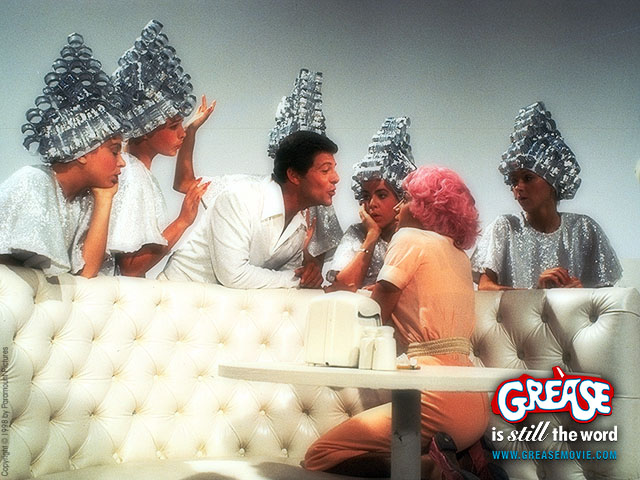
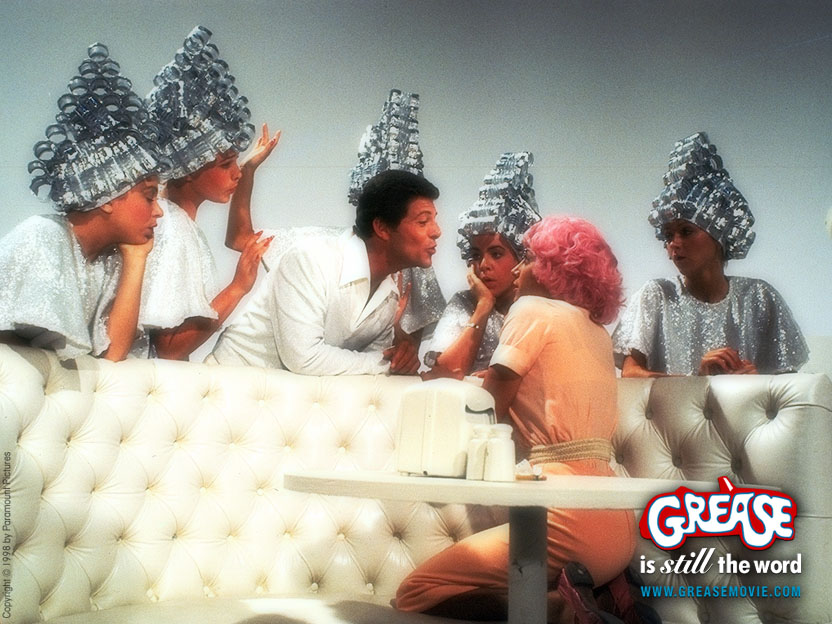
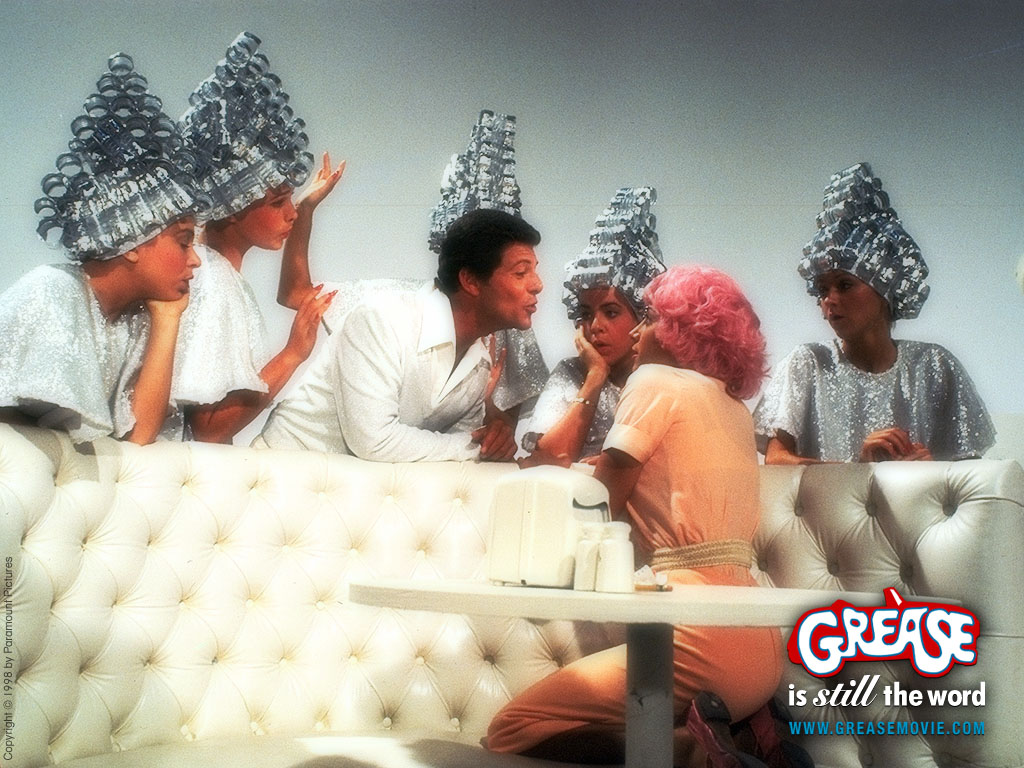
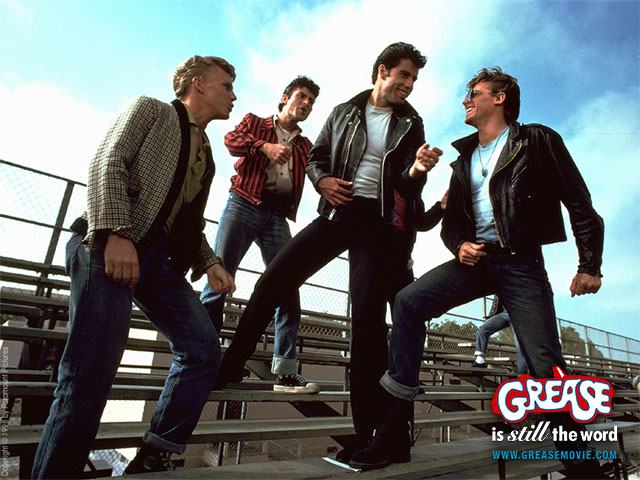
TO DOWNLOAD AND INSTALL YOUR GREASE DESKTOP
IMAGES, FOLLOW THESE INSTRUCTIONS:
WINDOWS 95 and NT:
1) Click on correct resolution for your
display to link to the full-size image.
2) Right-click on the full-size
image and select "Set As Wallpaper" from the pop-up menu to make
the image directly into wallpaper.
Alternate
1) Select "Save Image
As..." and save it to the "Windows" directory; then in the "Display"
Control Panel, choose "Background," and in the "Wallpaper" window,
choose the new picture and click "OK."
MAC OS 8:
1) Click on correct resolution for your display to link to
the full-size image.
2) Click and hold on the image, then save it to
your hard drive.
3) In your Desktop Pictures control panel, click
"Select Picture" (if you already have a picture, click "Remove Picture"
first, then "Select Picture") and choose the image.
4) Click "Set
Desktop" and close the control panel.
|